The Greenfoot Interface
The Greenfoot interface looks like this:
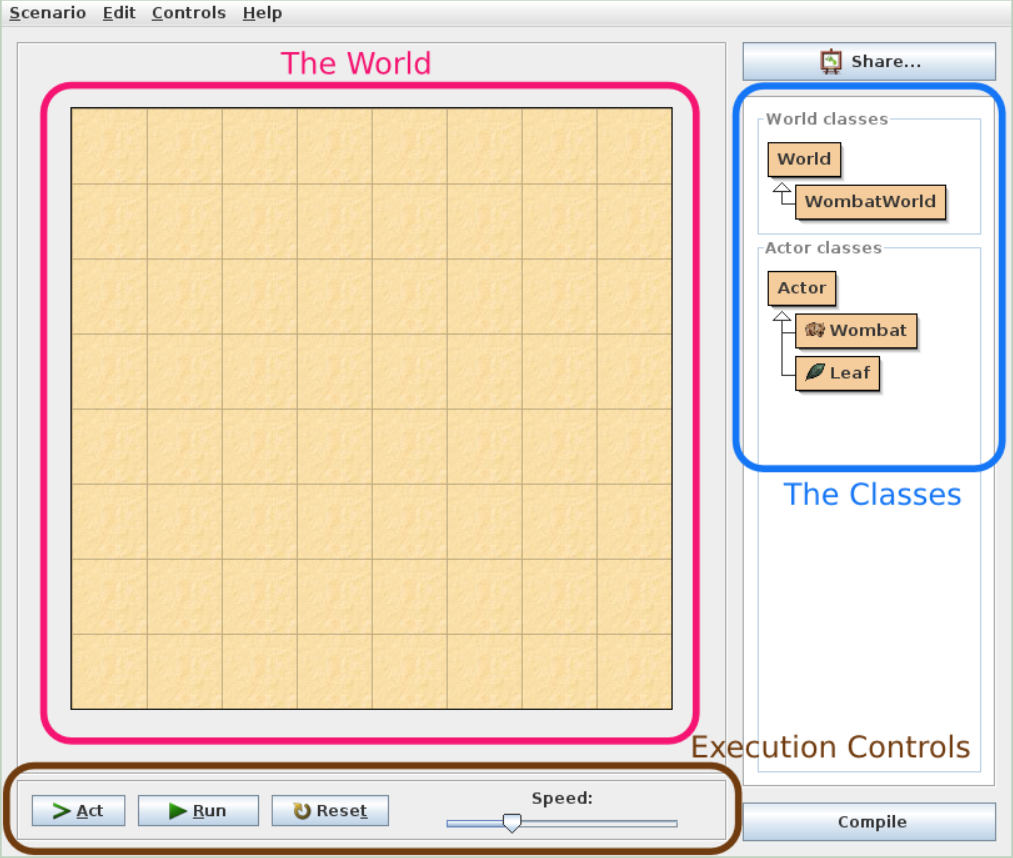
If you double-click on an actor, the script (behavior) used by the respective selection will then come up in a separate window like so: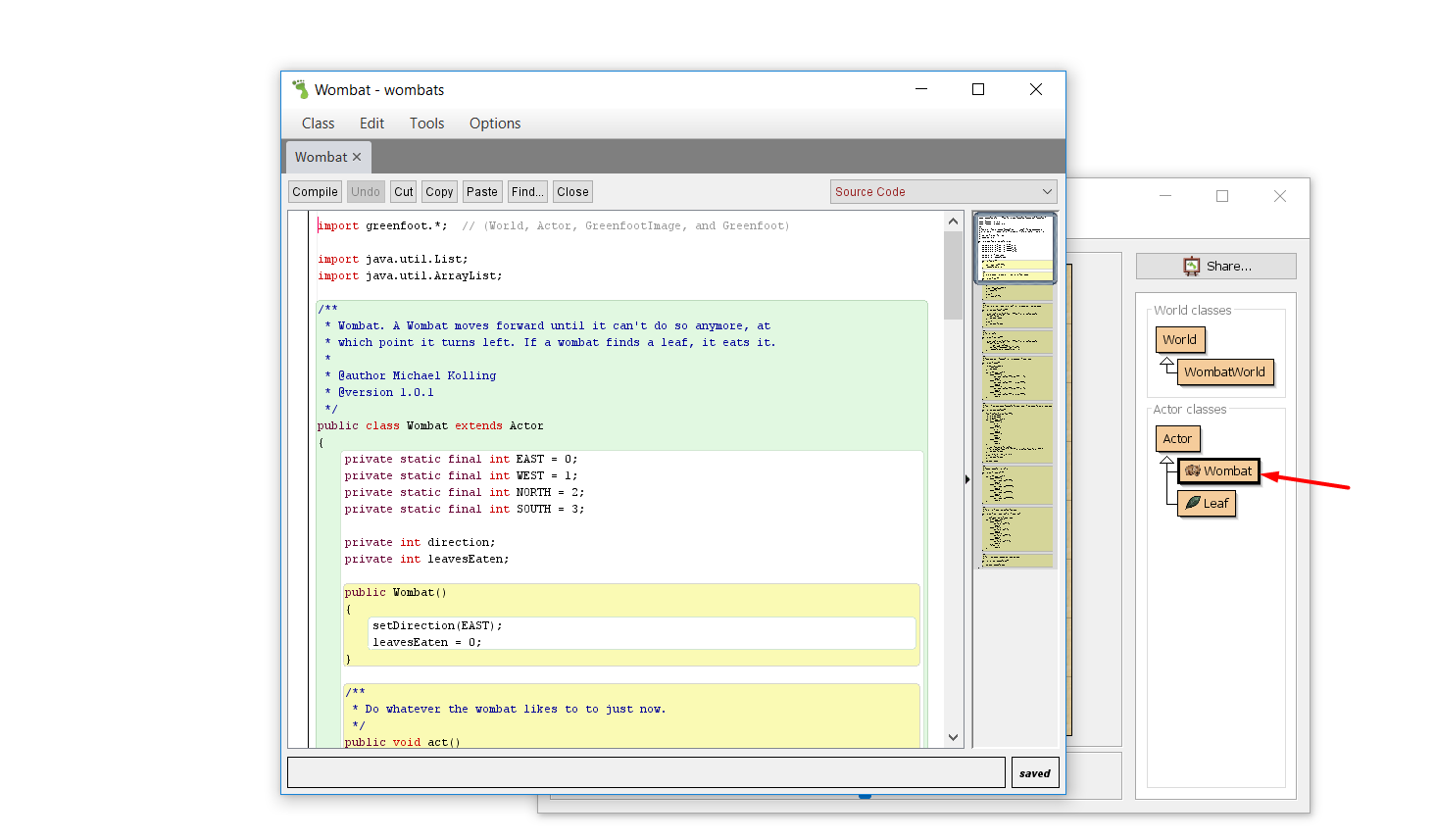
If you double-click on the classes themselves, the Greenfoot documentation would come up the same way:
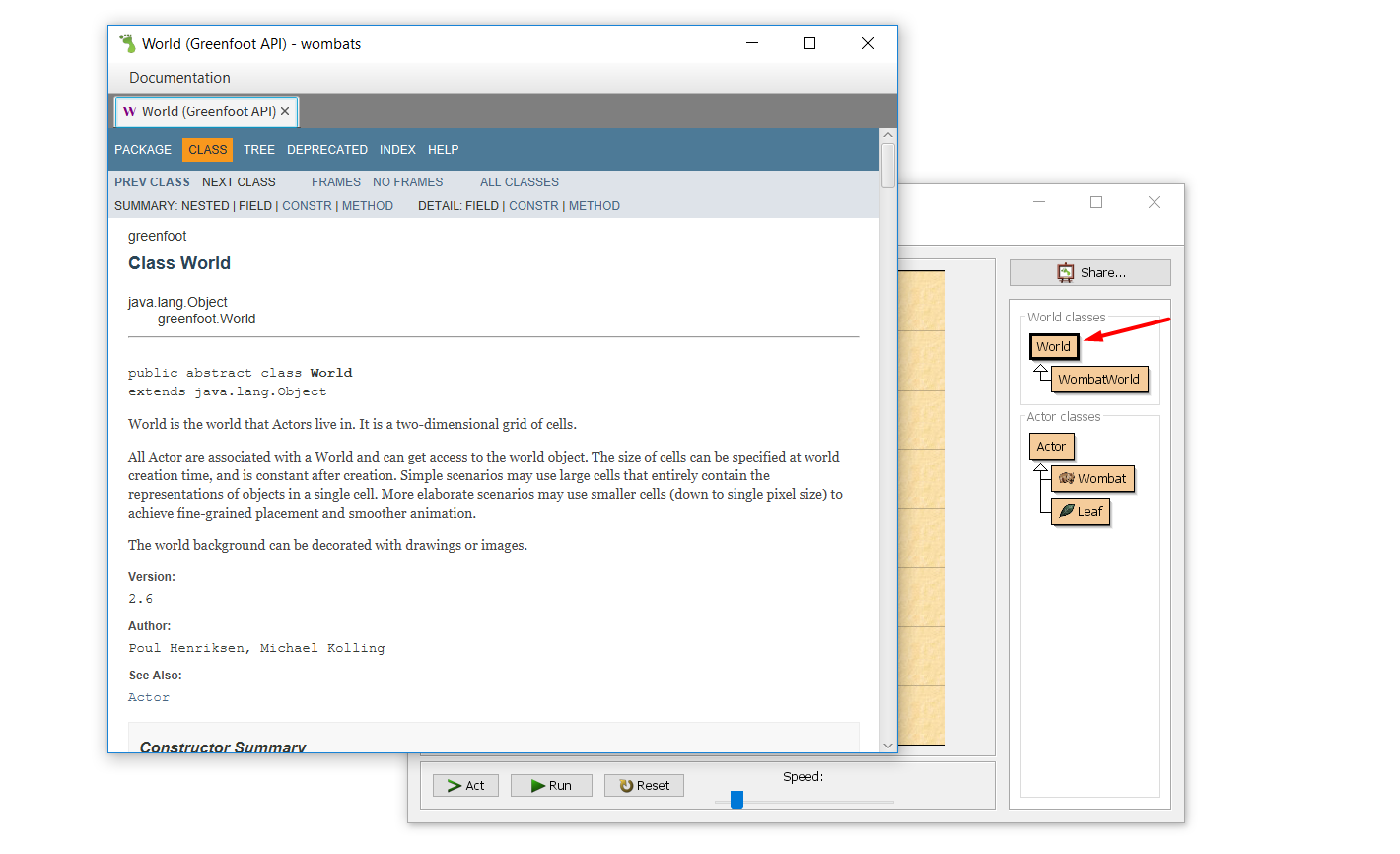 The scenario used for this examples is from the Greenfoot website and is named "wombats".
For further practice, we suggest downloading the script from: /www.greenfoot.org/download/files/scenarios/wombats.gfar
and following the indications on the webpage: http://www.greenfoot.org/doc/tut-1